An intelligent assistant for your business
Review daily sales and low stock. Get suggestions based on purchase history to encourage repeat purchases.

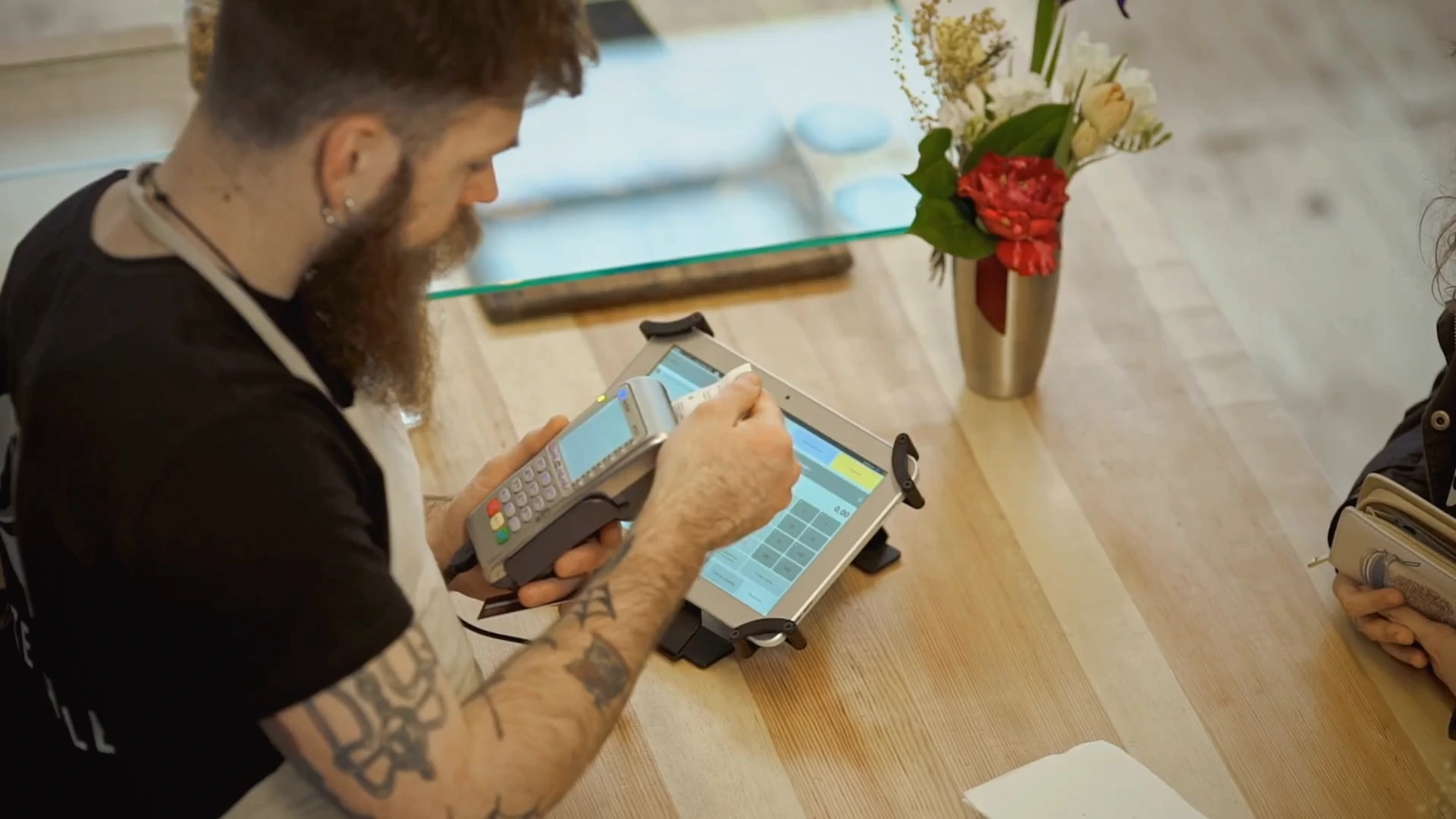
Take payments at the counter and track products and stock movements. See customer purchase history and daily sales in the same panel.
Bring payments, stock and customer tools together. Simplify checkout, understand your customers and see store sales clearly.
Accept card and contactless payments with a fiscal POS and follow sales and payment records together.
Record products and stock movements. See how many units remain in your panel.
Keep purchase history close at hand and encourage repeat purchases with campaign and loyalty tools.
Review daily sales and low stock. Get suggestions based on purchase history to encourage repeat purchases.
Track sales, stock and outstanding payments in one panel. Review your business using current information.
A clear workflow in three steps.
Enter product details, prices and stock in your panel.
Take payment at the counter and follow the sale and customer in one place.
Check sales, stock movements and outstanding payments.
Tools selected for the way you work.
Cash register, POS and receipts in one device. Take card and contactless payments at the counter while the receipt is issued in the background.
Define your products and services once with prices, descriptions and images, and use them on every channel.
A product sold in store, on your website or on a marketplace comes out of the same stock, so you never sell an out-of-stock item twice.
Keep contact details, purchase history and notes in one place, and pick up with every customer where you left off.
Create the right e-invoice or e-archive invoice for your sales in the panel and track the documents you issue in one place.
Group your customers, set up loyalty points and bring them back with campaigns.
Tell us how you work. Let’s find the tools and package that fit your needs.
Request a call View pricing